
9.9 KiB
Syncfusion WPF Office Chart To Image Converter
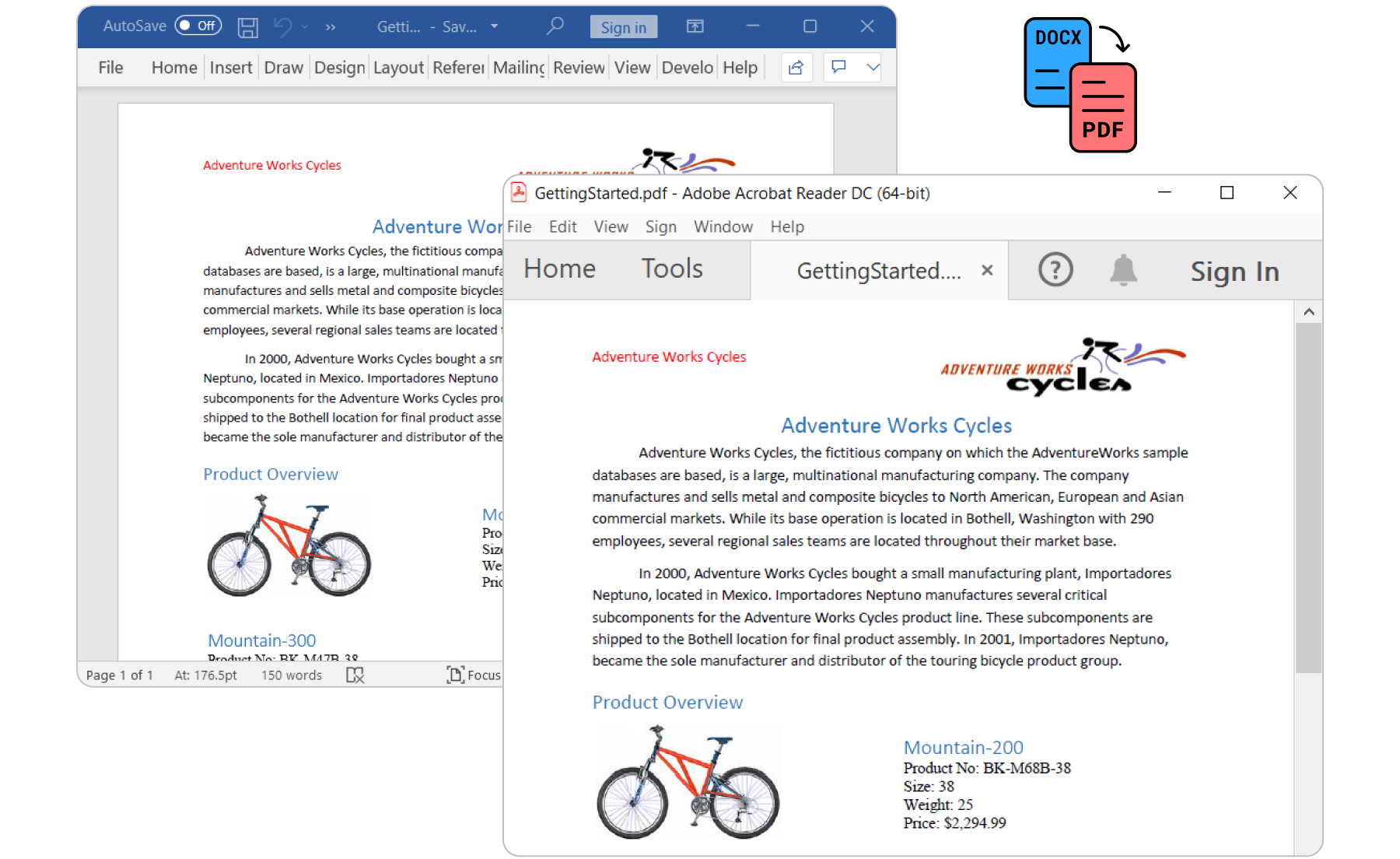
The Syncfusion WPF Office Chart To Image Converter is a .NET helper class library that allows you to convert the PowerPoint and Word charts to PDF or images in any WPF application without Microsoft Office dependencies.
Features overview | Docs | API Reference | Online Demo | GitHub Examples | Blogs | Support | Forums | Feedback
Key Features
- Converts Word document Chart into PDF.
- Converts Word document Chart into Image.
- Converts PowerPoint Chart into PDF.
- Converts PowerPoint Chart into Image.
System Requirements
Getting started
You can fetch the Syncfusion WPF Office Chart to Image converter library NuGet by simply running the command Install-Package Syncfusion.OfficeChartToImageConverter.Wpf from the Package Manager Console in Visual Studio.
Try the following code example to convert a Word document into PDF document.
using Syncfusion.DocIO;
using Syncfusion.DocIO.DLS;
using Syncfusion.DocToPDFConverter;
using Syncfusion.OfficeChartToImageConverter;
using Syncfusion.OfficeChart;
using Syncfusion.Pdf;
//Loads an existing Word document.
using (WordDocument wordDocument = new WordDocument("Template.docx", FormatType.Automatic))
{
    //Initializes the ChartToImageConverter for converting charts during Word to pdf conversion
    wordDocument.ChartToImageConverter = new ChartToImageConverter();
    //Creates an instance of the DocToPDFConverter.
    using (DocToPDFConverter converter = new DocToPDFConverter())
    {
        //Converts Word document into PDF document.
        using (PdfDocument pdfDocument = converter.ConvertToPDF(wordDocument))
        {
            //Saves the PDF file.
            pdfDocument.Save("Sample.pdf");
        }
    }
}
Try the following code example to convert the PowerPoint Presentation to PDF.
//Namespaces to perform PPTX to PDF conversion
using Syncfusion.Presentation;
using Syncfusion.OfficeChartToImageConverter;
using Syncfusion.PresentationToPdfConverter;
using Syncfusion.Pdf;
//Opens a PowerPoint Presentation
using (IPresentation pptxDoc = Presentation.Open("Sample.pptx"))
{
    //Creates an instance of ChartToImageConverter and assigns it to ChartToImageConverter property of Presentation
    pptxDoc.ChartToImageConverter = new ChartToImageConverter();
    //Convert the PowerPoint document to PDF document.
    using (PdfDocument pdfDocument = PresentationToPdfConverter.Convert(pptxDoc))
    {
        //Creates an instance of memory stream.
        using (MemoryStream pdfStream = new MemoryStream())
        {
            //Save the converted PDF document to memory stream.
            pdfDocument.Save(pdfStream);
        }
    }
}
For more information to get started, refer to our Getting Started Documentation page.
License
This is a commercial product and requires a paid license for possession or use. Syncfusion’s licensed software, including this component, is subject to the terms and conditions of Syncfusion's EULA. You can purchase a licnense here or start a free 30-day trial here.
About Syncfusion
Founded in 2001 and headquartered in Research Triangle Park, N.C., Syncfusion has more than 27,000+ customers and more than 1 million users, including large financial institutions, Fortune 500 companies, and global IT consultancies.
Today, we provide 1700+ components and frameworks for web (Blazor, Flutter, ASP.NET Core, ASP.NET MVC, ASP.NET WebForms, JavaScript, Angular, React, Vue, and jQuery), mobile (.NET MAUI, Flutter, Xamarin, UWP, and JavaScript), and desktop development (WinForms, WPF, WinUI, .NET MAUI, Flutter, Xamarin and UWP). We provide ready-to-deploy enterprise software for dashboards, reports, data integration, and big data processing. Many customers have saved millions in licensing fees by deploying our software.
sales@syncfusion.com | www.syncfusion.com | Toll Free: 1-888-9 DOTNET